Skip to content
Get Started

Professional UniFi installation for your home

UniFi is a good fit for homes that want one managed system for Wi-Fi, switching and cameras, and it rewards proper design. The hardware is straightforward; the results come from access point placement, wired backhaul and clean configuration.

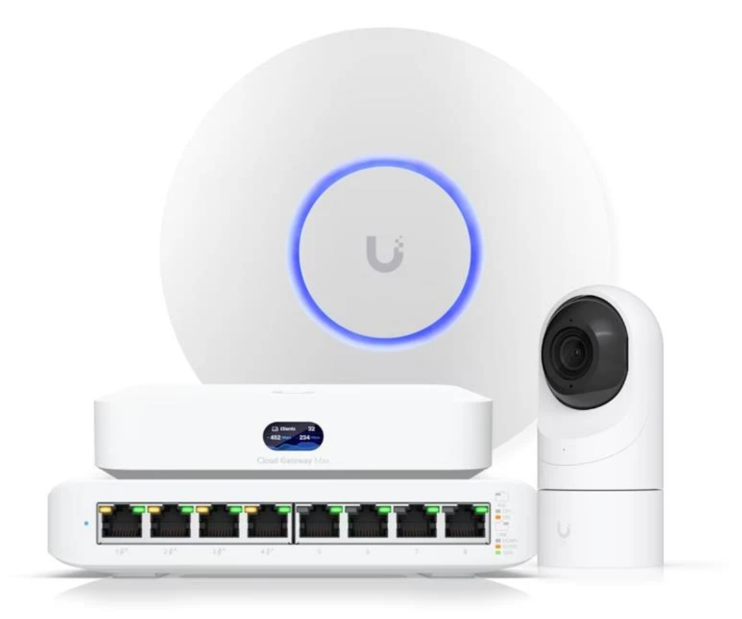
UniFi Cloud Gateway, ceiling access point, PoE switch and camera

How Cabling.com works

  • Free to start, no obligation
  • Matched privately with one local professional
  • You do not need to know the technical details
  • Photos are optional but help

Where UniFi projects go wrong

Homeowners often buy the right gear and get mediocre results: access points sitting on shelves instead of ceilings, wireless uplinks where a cable was possible, default channel settings fighting the neighbors, or a gateway sized for a much smaller home. UniFi exposes a lot of settings, which is an advantage only once the physical layer is right.

What a UniFi install includes

Design, mounting, cabling and configuration — then a walkthrough so you can use the dashboard without being a network engineer.

  • Access point placement planned per floor and coverage zone
  • Gateway and switch sized for your device count and internet speed
  • Wired uplinks, PoE, and tidy termination in a panel or rack
  • Network setup, updates, guest network and remote access configured

Common projects

  • You already own the equipment

    Installation, mounting, cabling and configuration of gear you bought yourself.

  • A new system from scratch

    A design sized to your home, then full installation and setup.

  • Upgrading a mesh setup

    Replacing consumer mesh with wired access points and a managed gateway.

  • UniFi Protect cameras

    Adding cameras and recording to the same system you already manage.

What a complete UniFi environment includes

Cabling.com designs and installs the whole system — the cable, the hardware, the configuration and the documentation. Scope is set per home; not every item applies to every project.

Network core

  • UniFi gateways
  • UniFi Cloud Gateways
  • PoE switches
  • Guest networks
  • IoT network segmentation
  • System configuration

Wi-Fi coverage

  • Indoor ceiling access points
  • In-wall access points
  • Outdoor Wi-Fi
  • Detached building connectivity
  • Home office connectivity

Cabling and infrastructure

  • Cat6 and Cat6A cabling
  • Fiber between buildings
  • Network racks
  • Patch panels
  • Testing and documentation

Cameras

  • UniFi Protect cameras
  • NVR and local storage
  • Camera placement and aiming
  • Retention sizing

The UniFi ecosystem

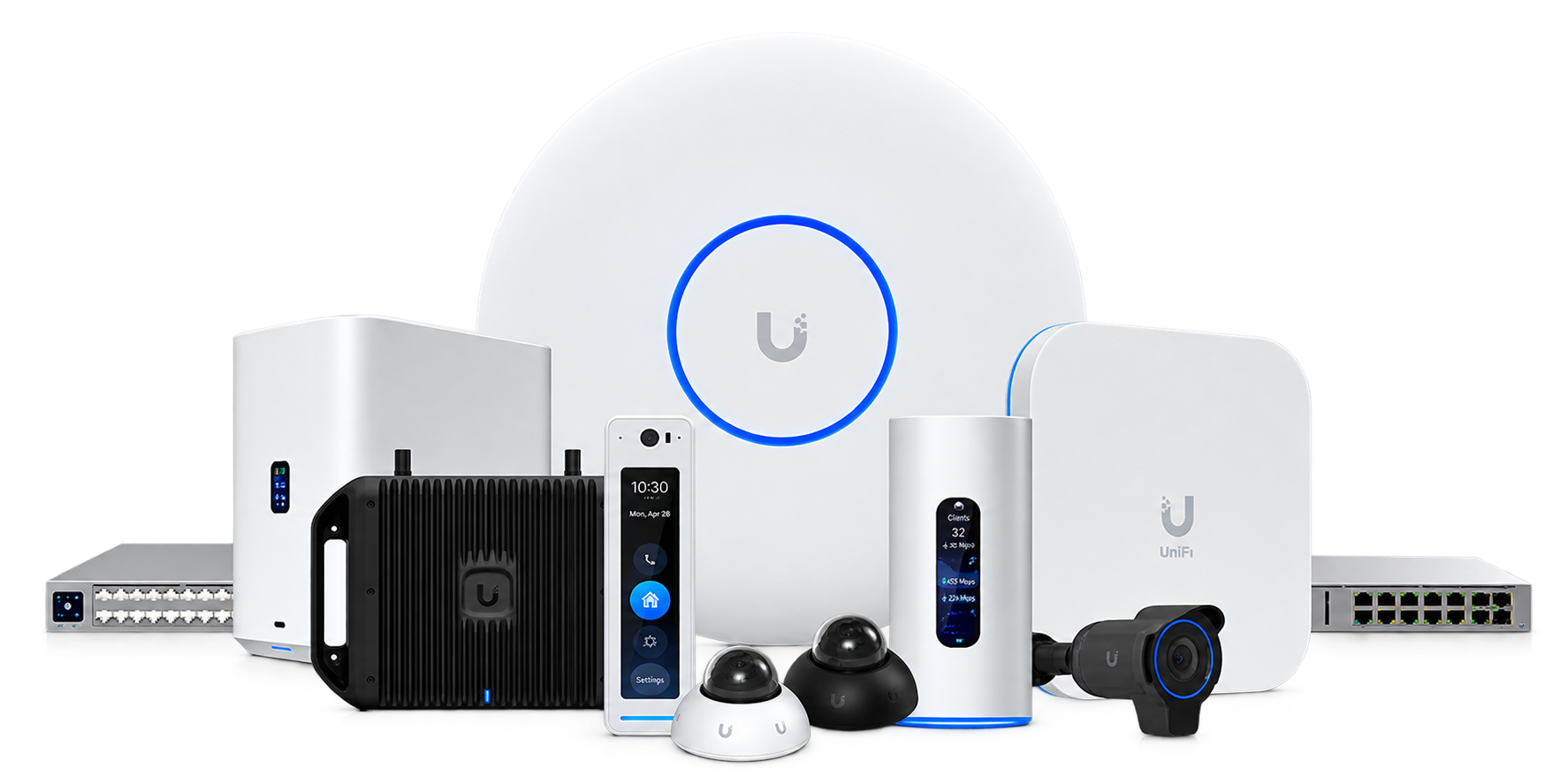
One family of equipment covers networking, Wi-Fi, cameras and door access. Your Pro specifies the exact models for your home before any work begins.

UniFi is a trademark of Ubiquiti Inc. Cabling.com is an independent marketplace and is not affiliated with or endorsed by Ubiquiti.

The UniFi product family — networking, Wi-Fi, cameras and door access
One system — networking, Wi-Fi, cameras and door access

The equipment

UniFi Cloud Gateway, ceiling access point, PoE switch and camera
Gateway, Wi-Fi and switching
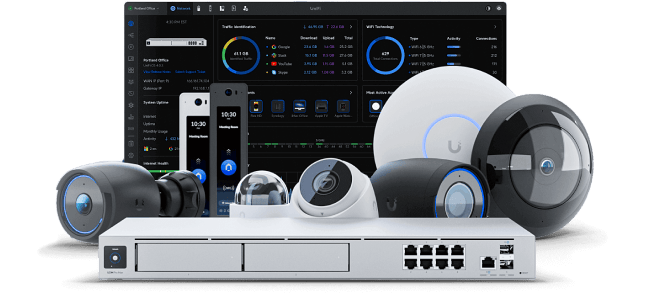
A UniFi Dream Machine with cameras and the UniFi dashboard
Console and Protect cameras
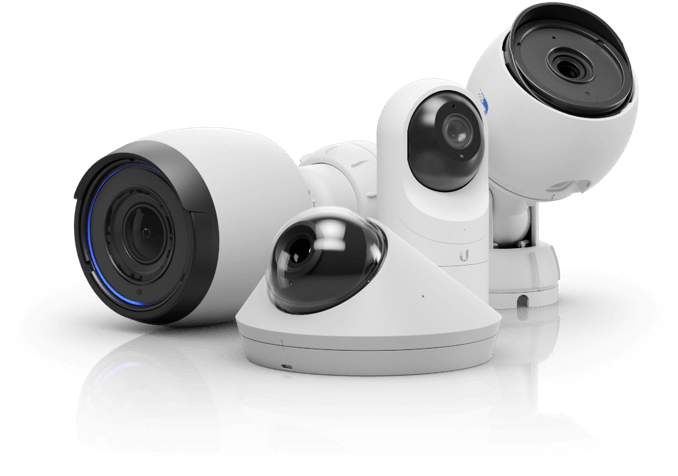
UniFi Protect cameras — bullet, dome and turret models
Protect security cameras
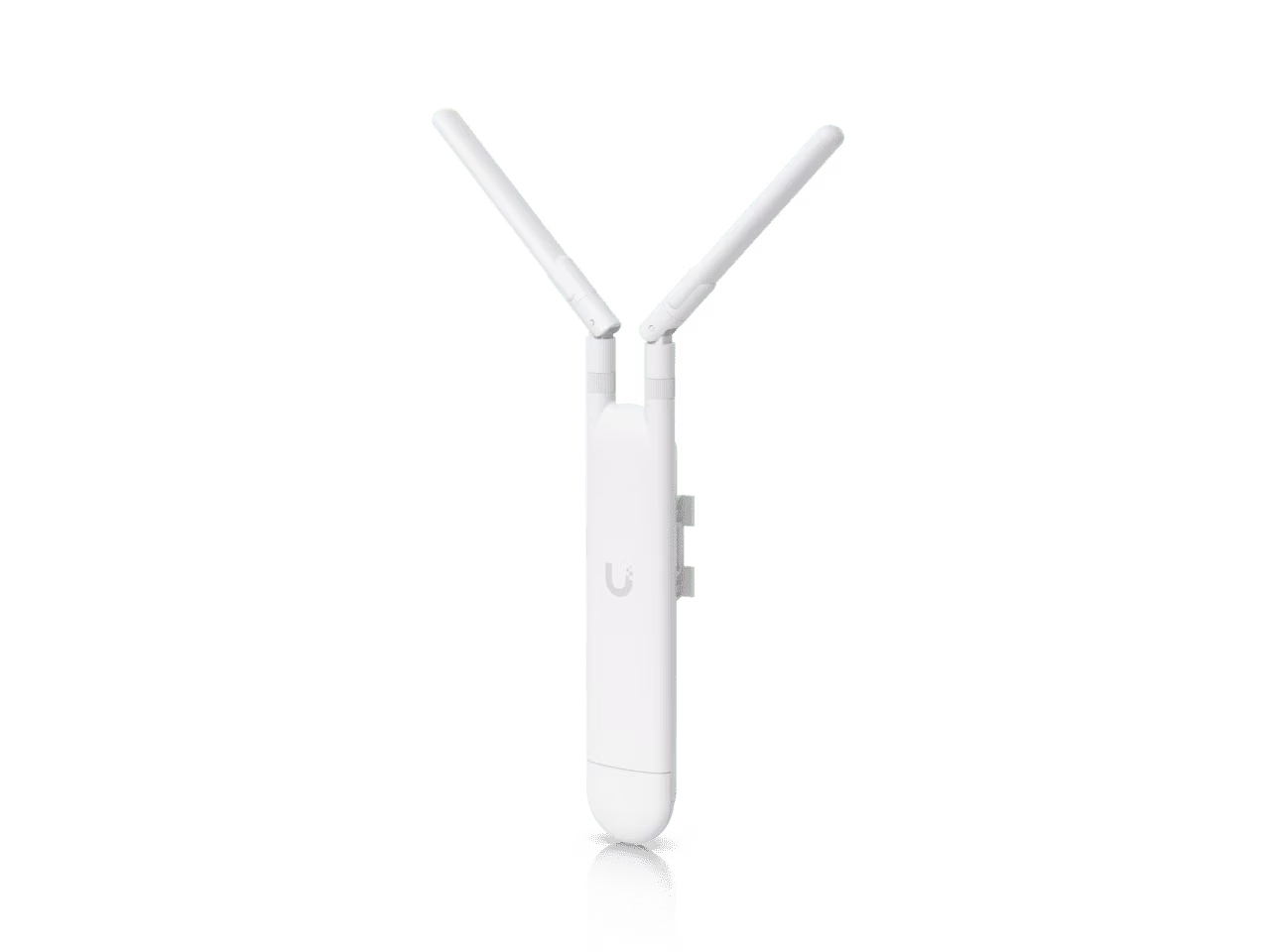
A UniFi outdoor mesh access point
Outdoor Wi-Fi
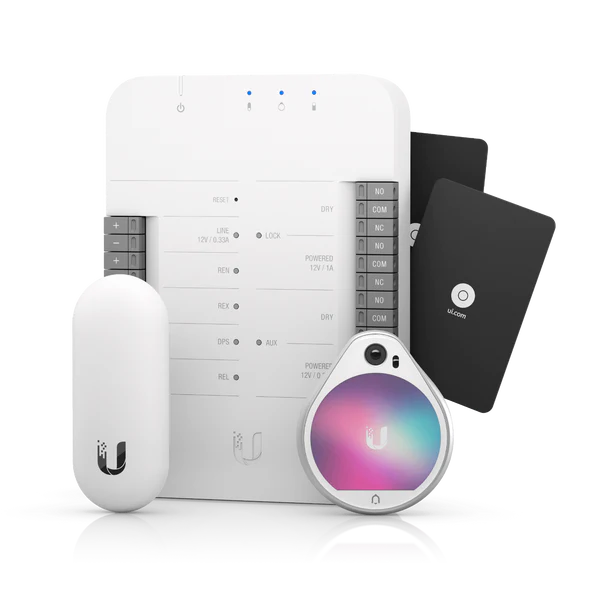
A UniFi Access starter kit with reader, hub and access cards
Door access starter kit
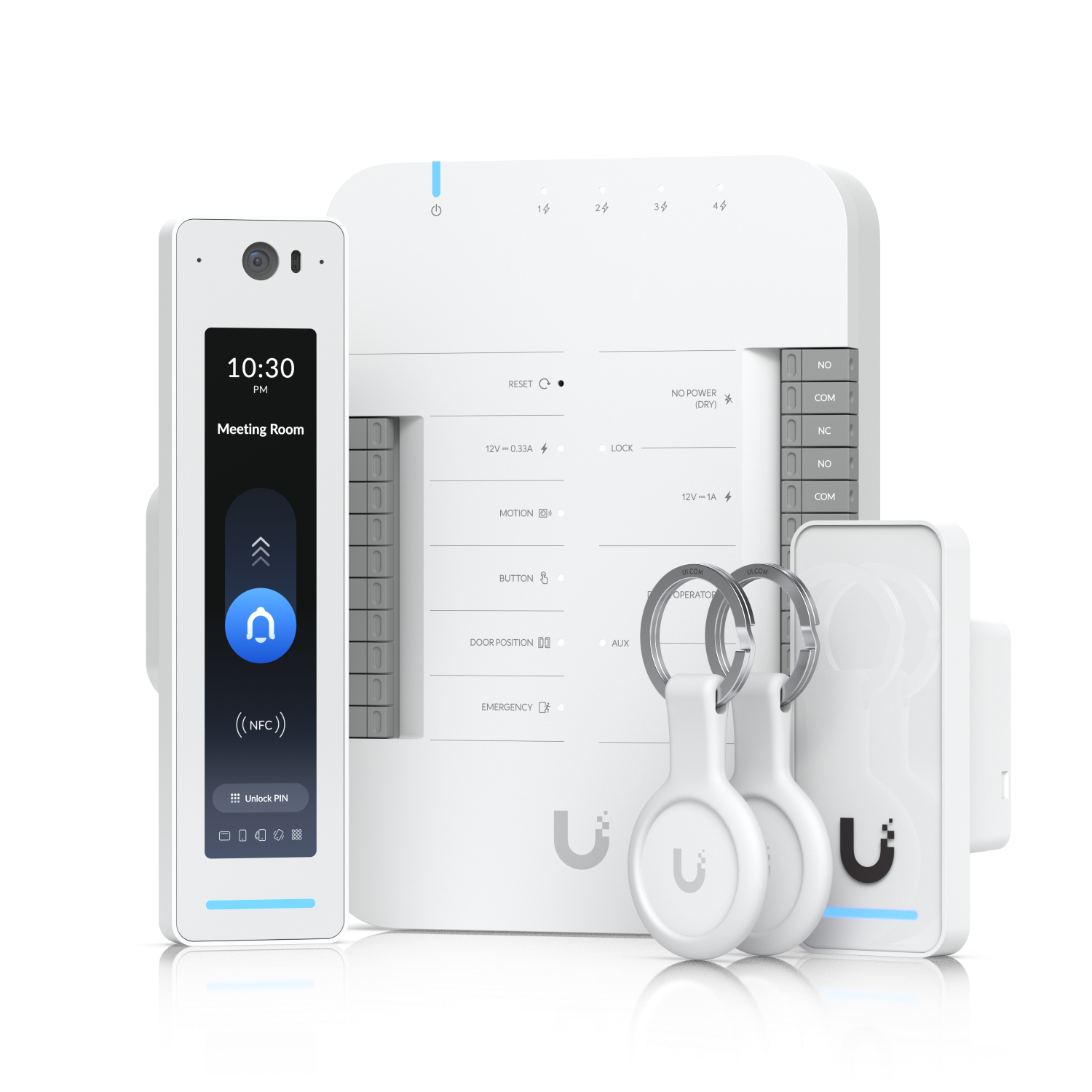
UniFi Access reader and hub with key fobs
Access reader and key fobs
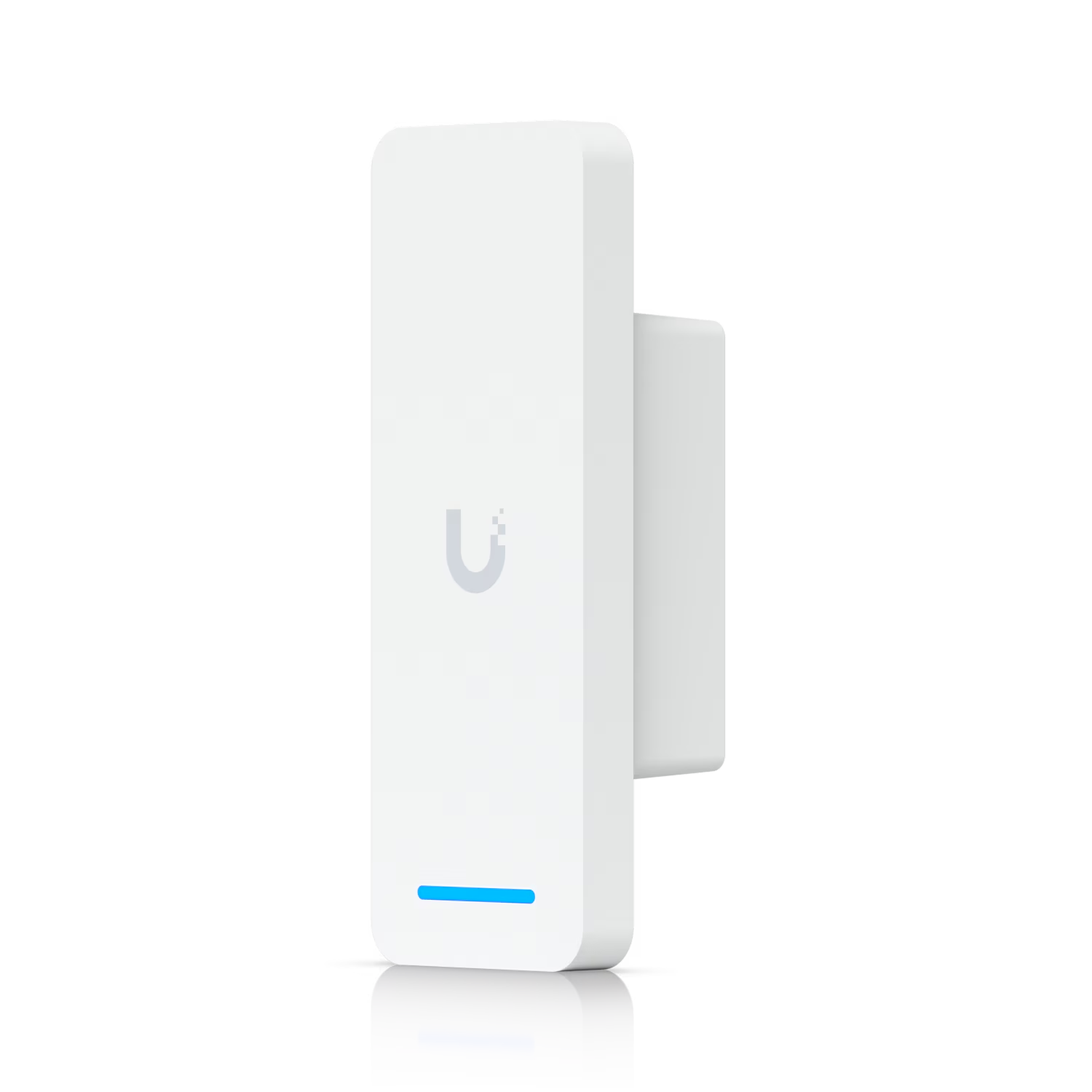
UniFi Access Ultra door reader
Access Ultra door reader

What a finished install looks like

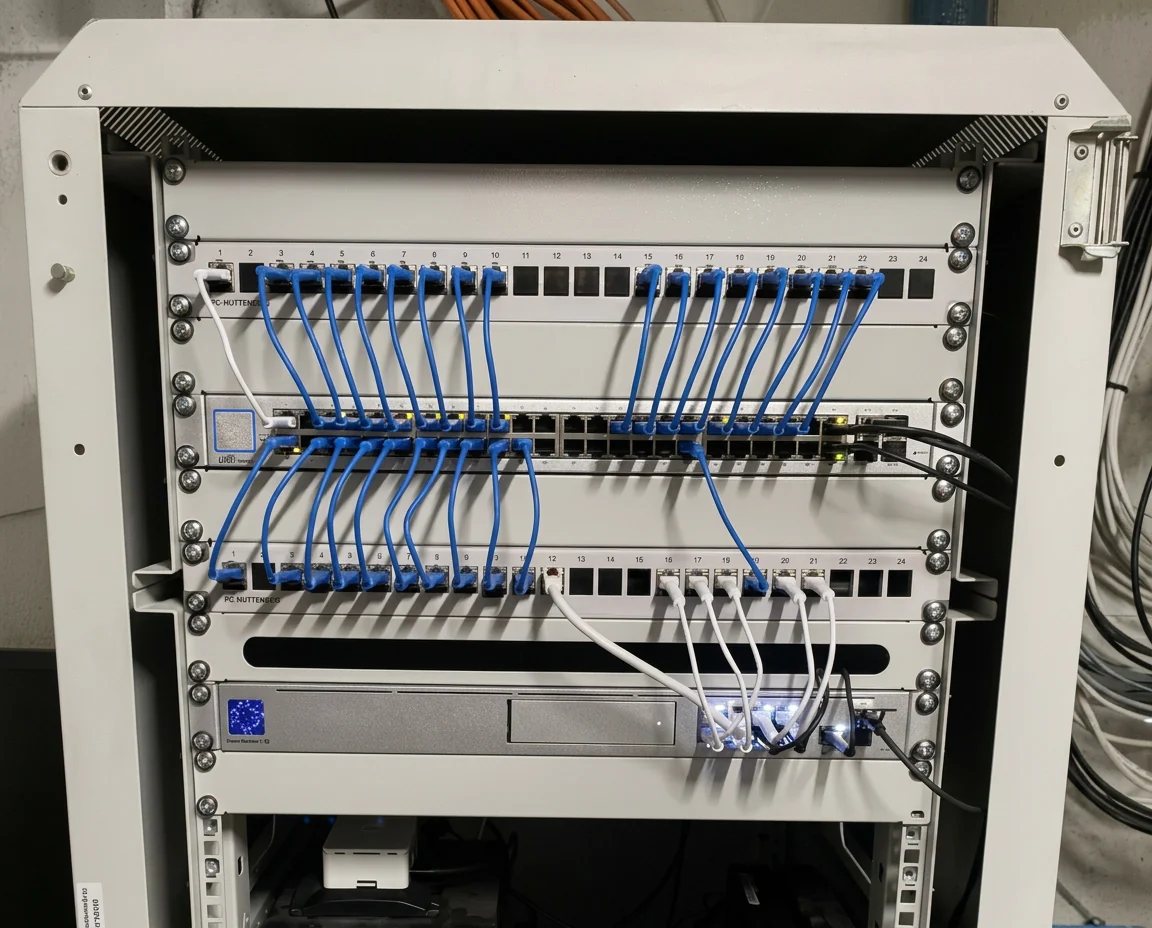
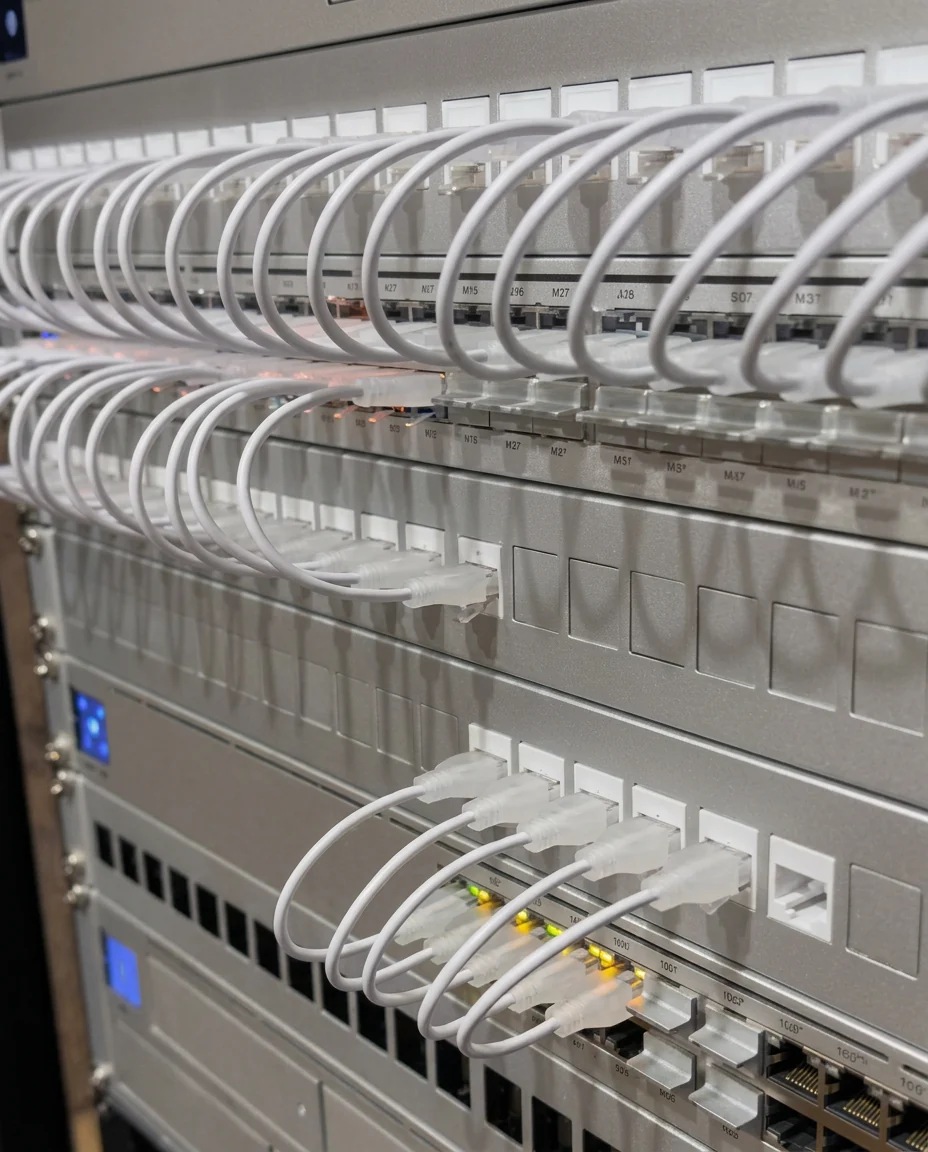
A wall-mounted UniFi network rack with patch panel, switch and gateway
A wall-mounted rack — every cable dressed and labelled
A UniFi patch panel with neatly dressed white Ethernet patch leads
A patch panel terminated cleanly, room by room

How many UniFi access points a home actually needs

Most homes under 3,000 square feet are well covered by two, plus one outdoors if you want patio or driveway coverage. Above 5,000 square feet, or with detached structures, plan three to five and budget for wired runs to each. More access points on the same channels, badly placed, makes performance worse — not better.

Thinking about UniFi?

Free to start. Your details stay private and we match you with one local professional at a time.

Design My Home Network

Frequently asked questions

Is UniFi good for a home?
Yes, particularly for larger homes, homes with cameras, or anyone who wants one dashboard for everything. It needs sensible placement and wired uplinks to shine.
UniFi or Eero?
Eero is simpler and fine for small homes with no wiring. UniFi gives better coverage control, wired backhaul, real switching and camera integration, at the cost of more setup.
UniFi or mesh Wi-Fi?
UniFi access points can mesh, but they are designed to be wired. If cable can reach each access point, UniFi will outperform a wireless mesh noticeably.
How much does a UniFi home network cost?
Equipment for a typical two-access-point home is usually a few hundred dollars; larger systems with cameras, a gateway, switching and a rack run higher. Installation depends on how many cable runs are needed.
Can you install equipment I already bought?
Yes. Installing owner-supplied UniFi gear is one of the most common requests on Cabling.com.
Problems this service solves

Read before you build

Related answers

Related services

One pro at a time

Your project goes to a single qualified local professional, not a call list.

Private by default

Your contact details are only shared with the professional who takes the project.

No technical detail needed

Describe the result you want. The pro works out the equipment.