ANSI/TIA-568 subsystems
Entrance facility, equipment room, telecom rooms, backbone, horizontal cabling and work-area outlets — each with defined distance and termination rules, such as the 100 m (328 ft) channel limit for copper.
Structured cabling · Network cabling · Low-voltage wiring
Network cabling installation, Cat6/Cat6A, fiber, Wi-Fi and cameras for homes and businesses across the U.S. Describe the project once and get matched privately with a licensed local cabling company — no cold calls from a crowd of contractors.
One private introduction
Your project is shared with one matched Pro—not posted to a public directory.
Structured cabling, explained
Structured cabling is an organized, documented wiring system that follows the ANSI/TIA-568 family of standards (with TIA-570 for homes). Instead of cables run point to point as needed, every connection follows a defined path back to one central location — so it is easier to troubleshoot, expand and reuse for decades.
Entrance facility, equipment room, telecom rooms, backbone, horizontal cabling and work-area outlets — each with defined distance and termination rules, such as the 100 m (328 ft) channel limit for copper.
Cat6 supports 10 Gb/s to about 55 m; Cat6A carries 10 Gb/s across the full 100 m and handles higher-power PoE for access points, cameras and lighting with less heat buildup.
Single-mode or OM3/OM4 multimode fiber links floors, buildings and detached structures — immune to interference and lightning-induced surges, with headroom far beyond copper.
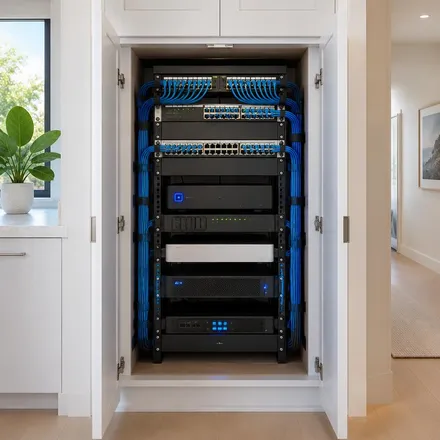
Every run lands on a labeled patch panel in a rack or enclosure, with short patch cords, cable management and documentation, so moves and changes take minutes instead of hours.
Network cabling installation
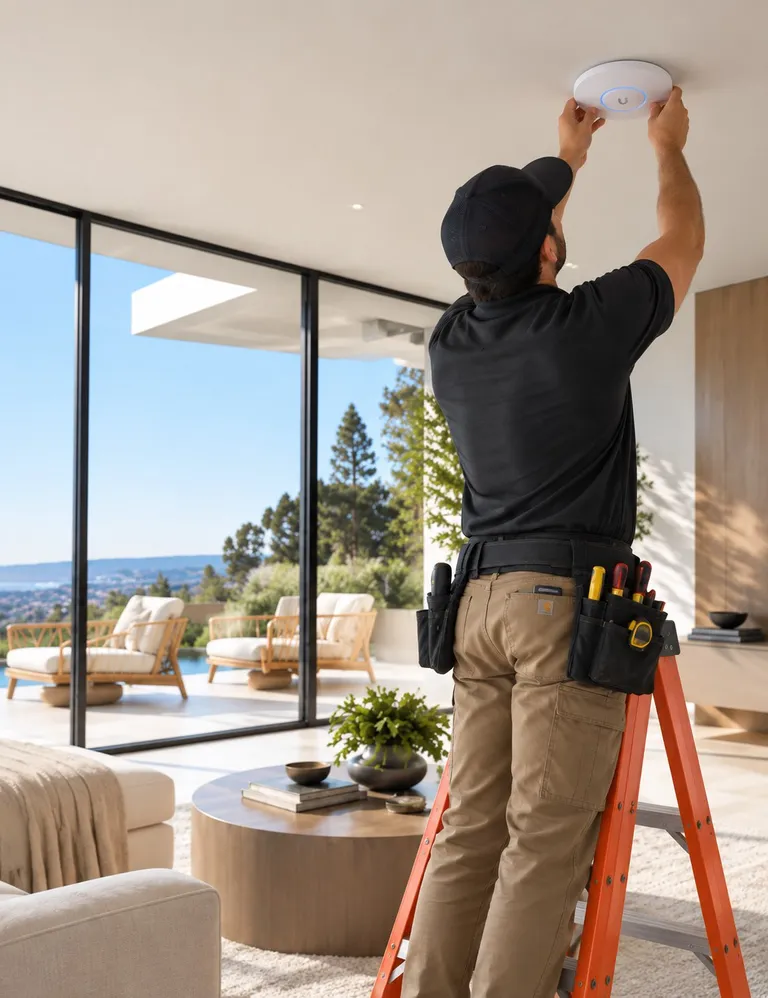
Network cabling is the copper and fiber that connects your internet service, switches, Wi-Fi access points, cameras and wired devices. Whether you need a few new Ethernet drops at home or a full office buildout, Cabling.com matches you with a local network cabling company that does this work.
A typical job covers planning cable paths, pulling Cat6 or Cat6A (and fiber where distance or speed requires it), terminating at wall plates and a patch panel, labeling each run, and testing every link. Ask for test results and a simple map of what was installed.
Cat6 handles gigabit networks and short 10-gigabit runs. Cat6A supports 10-gigabit at full length and runs cooler with high-power PoE, so it is often chosen for Wi-Fi access points, cameras and long-term business builds.
Look for an active license where your state requires one, proof of insurance, standards-based work (ANSI/TIA-568), labeled and tested runs, and a written scope that lists drop counts, cable type and termination points.
Homes usually need a handful of drops to a central closet or rack. Offices and buildings add telecom rooms, fiber backbones between floors, pathways, fire-rated penetrations and documentation for IT teams.
Residential cabling options
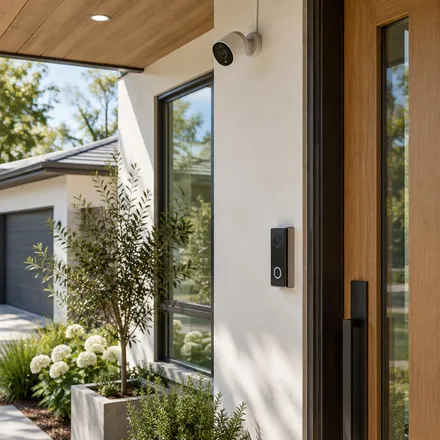
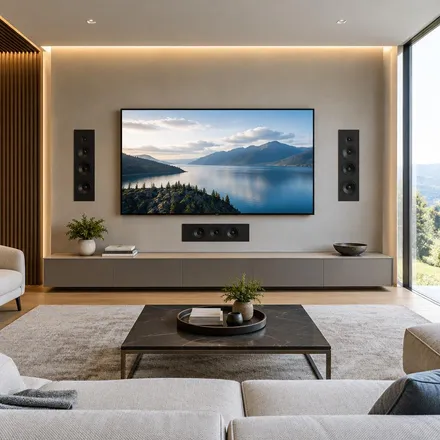
Compare low-voltage home cabling for connected rooms, reliable Wi-Fi, security, AV, and intelligent lighting—or tell us you are not sure.

Popular request
Add wired Ethernet, improve Wi-Fi coverage and create a reliable setup for work and streaming.
Start a home office project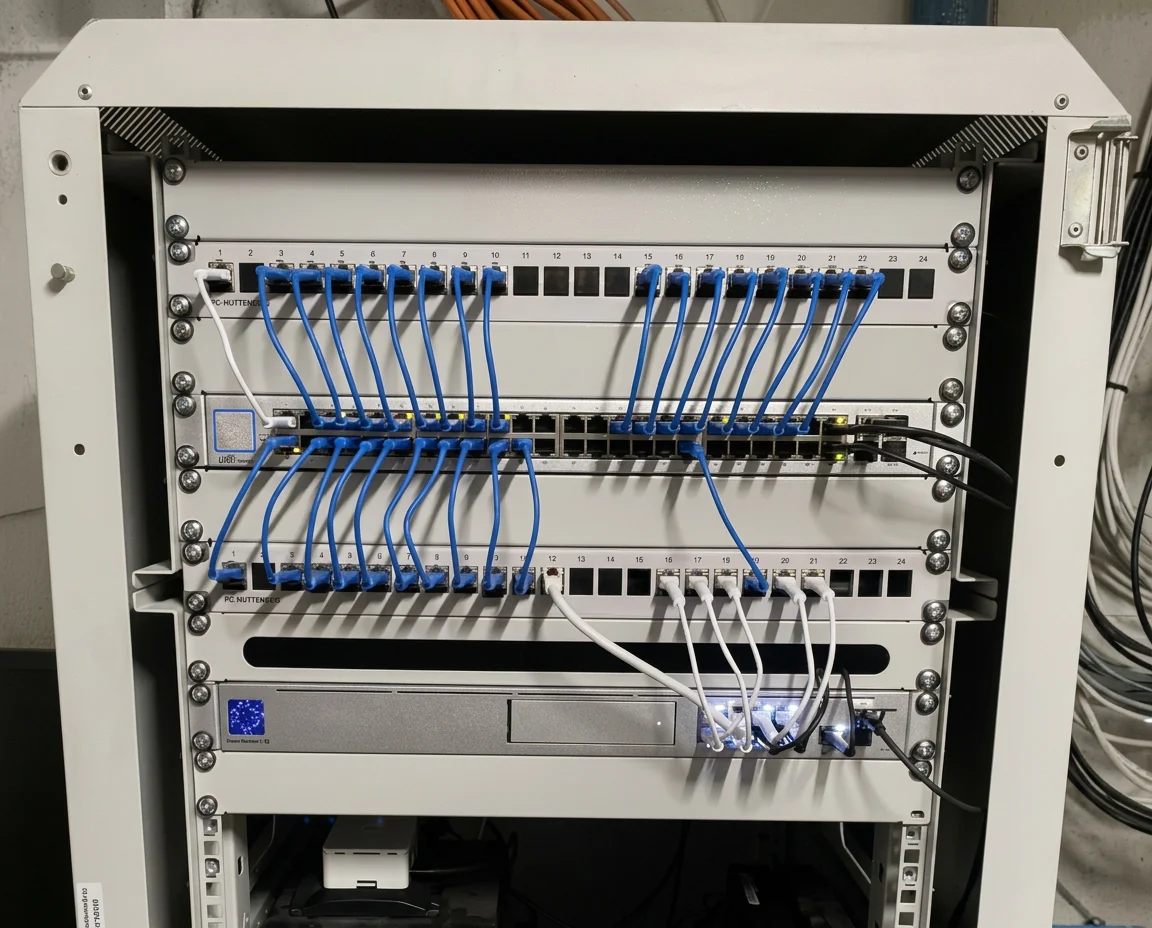
Popular request
Organize your modem, router, switches and smart-home equipment in a professional network rack.
Start a network rack projectHow it works
You do not need to compare profiles or understand the technical details. We use your project to find the right fit privately.
Answer a few simple questions. “Not sure” is always okay.
Your project is offered privately to approved local Pros who cover your area. The first to accept is the one who contacts you.
Connect directly, review the details and decide whether to move forward.
Learn before you build
Professional equipment
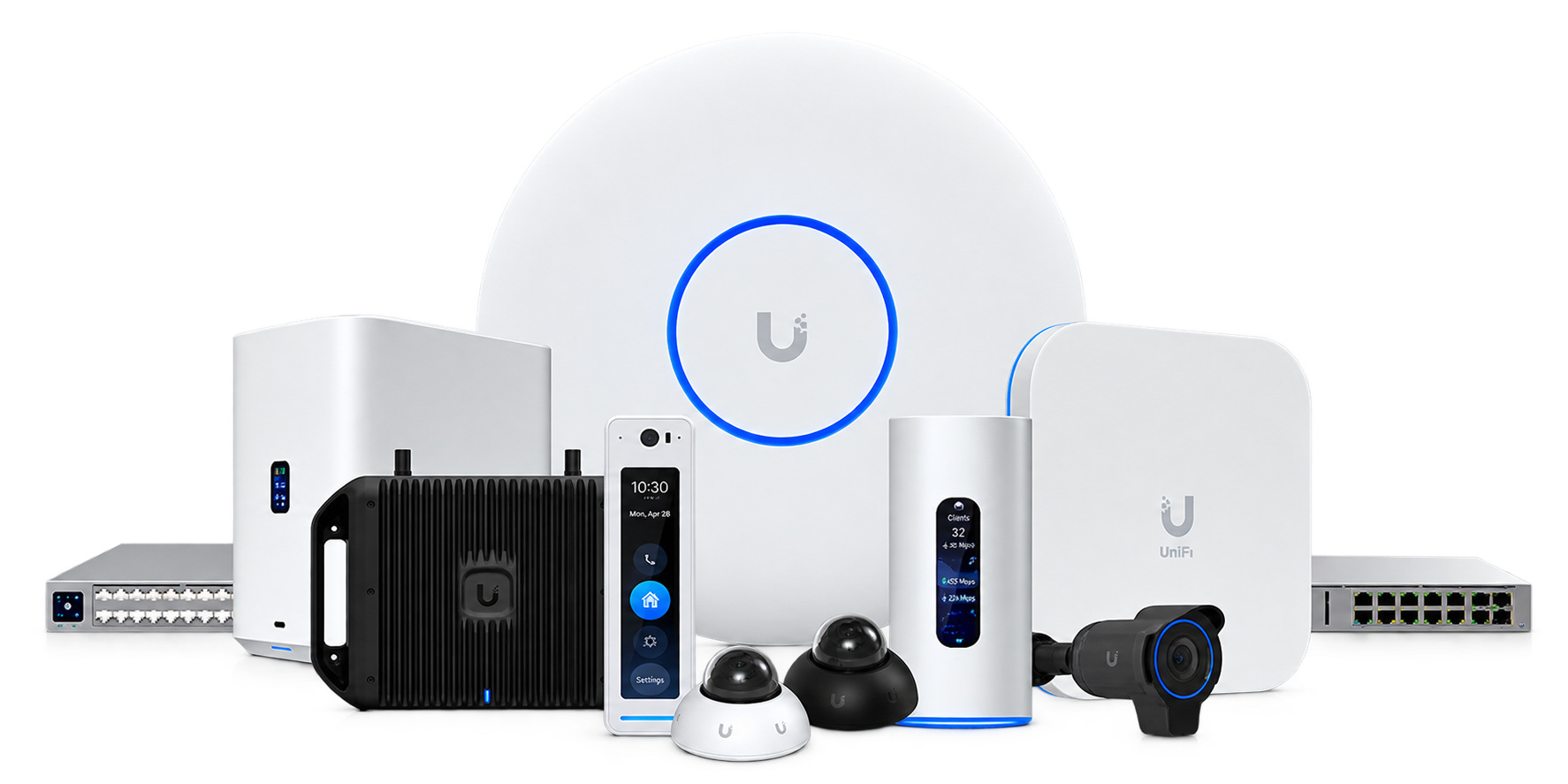
Your Pro designs around proven equipment — including the UniFi ecosystem — so your network, cameras and wiring work together as one system, not a drawer of gadgets.
Explore UniFi home networksUniFi is a trademark of Ubiquiti Inc. Cabling.com is an independent marketplace and is not affiliated with or endorsed by Ubiquiti.

Start with a few easy questions. It is free, and there is no obligation.
Start a Project